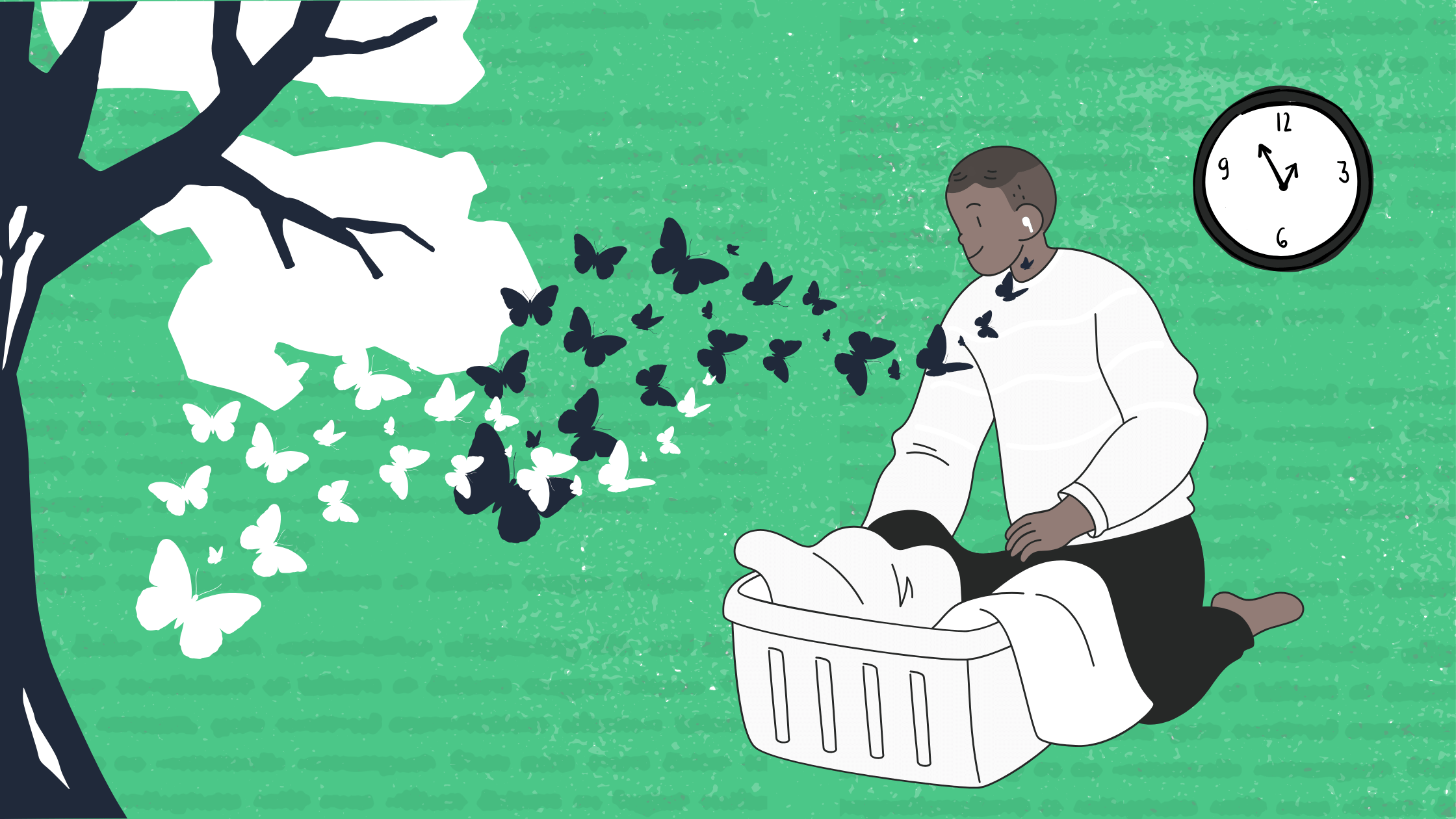

You bought your class textbooks, great. But now you’re staring at a page of dense text wondering how on Earth you’re going to read 20 pages by 9am tomorrow. The good news is, even though most textbooks don’t come with a handy audiobook version, there are still methods for listening to your learning materials. With the right tools, you can turn any textbook, PDF, or article into audio and listen while you commute, exercise, or do chores. Here’s how to do it without spending a dime.
Why Listen to Textbooks?
Reading academic material can be exhausting. Your vision goes fuzzy, your focus drifts, and before you know it, you’ve read the same paragraph three times. By letting you absorb information passively, listening offers a different way in.
For students with dyslexia, ADHD, or visual impairments, audio is often more than a convenience—it’s essential. Whether you have a learning difference or not, listening can help you get through more material in less time.
Option 1: Use Your Device’s Built-In Features
Both iOS and Android devices offer free text-to-speech features. On an iPhone, go to Settings > Accessibility > Spoken Content (or Read & Speak in older versions of iOS) and turn on “Speak Selection” or “Speak Screen.” On an Android phone, look for “Select to Speak” under Accessibility settings. You can also customize voice and speaking rate settings using either device type’s accessibility menu.
These work in a pinch, but the voices can sound robotic, and there are limited control options. If you’re listening to hours of material, your experience matters.
Option 2: Browser Extensions
If your textbook is available online or as a PDF you can open in your browser, you can use an extension to read it aloud. A number of free text-to-speech extensions are available via both the Chrome Web Store and the Firefox add-ons library. Look for one that suits your needs for highlighting, reading speed, and other tools such as the ability to bookmark web pages or save your place.
The downside: browser extensions only work in the browser. Close the tab or lose your connection and you lose your place. They also drain battery faster than dedicated apps.
Option 3: Dedicated Text-to-Speech Apps
Apps built specifically for text-to-speech usage may offer more natural-sounding voices, more control, and smoother playback. Many have free tiers that work well for most student needs.
With a tool like Reazy, you can upload a PDF, paste in a webpage link, and even upload a photo of a piece of text. Using the web app, you can select your preferred voice, adjust the reading speed, and jump forward or back in the text as needed. It works across devices, so you can start on your laptop and continue on your phone (in browser, but app coming soon).
Tips for Listening to Academic Material
Start slower than you think you’ll need to. It might be tempting to start at 2x speed just to get through your reading. Given the density of most academic material, though, you may want to start slow and increase gradually based on your comprehension.
Listen actively, not passively. Pair listening with a simple task like walking or doing laundry—not something that will require your full attention. If you’re driving in heavy traffic, for example, you should probably save the textbook for later.
Take notes afterward. Pause at the end of each chapter or section to jot down key points. This will reinforce what you heard and help you identify what you might need to re-listen to.
Don’t replace reading entirely. For complex diagrams, equations, or detailed arguments, you’ll still want to look at the page. Use audio to get the overview, then look closer when needed.
What About Copyright?
If you’ve purchased or gained legal access to a textbook, converting it to audio for your own personal use is generally fine. You’re not distributing it or profiting from it, just changing the format to make it accessible for yourself. This falls under personal use in most jurisdictions.
The Bottom Line
Being able to access school materials can be the difference between passing and failing your classes. Accessibility can also decide whether you actually learn and retain the material you’ll need after graduation. Free text-to-speech tools make it possible to listen to virtually any text, removing obstacles that might be presented by written texts.
Ready to try it? Give Reazy a spin: upload a chapter from your textbook and see how listening changes the way you study.